

Nintendo’s update history for Tomodachi Life: Living the Dream lists four full-game updates, from Ver. 1.0.1 to Ver. 1.0.4, and the latest version on the Americas page is 1.0.4, released July 22, 2026. All four are fix-focused: they patch save problems, progression blockers, crashes and display glitches rather than adding new content. Below you get each version’s notes in plain English, what the fixes mean for your island, and how to install the update. We track patches and maintenance windows across games at Pixel Herald, so this page is built to be the one you check when a new version number appears.
TL;DR
- Four updates exist so far: 1.0.1 (April 22, 2026), 1.0.2 (May 14), 1.0.3 (June 25) and 1.0.4 (July 22), per Nintendo’s Americas support page.
- The notes announce bug fixes, not new features. The one new rule is a local-play restriction on names in 1.0.3.
- Version 1.0.4 fixes a rare Island Builder save corruption that could stop the game from starting in later sessions.
- To update by hand, highlight the game on the HOME menu, press + or −, then choose Software Update and Via the Internet.
- Nintendo has not announced a maintenance window or a future update schedule for this game.
Table of Contents
- Tomodachi Life update history at a glance
- What each update changed
- Did any update add new features?
- How to update Tomodachi Life: Living the Dream
- Is there a maintenance schedule or an update roadmap?
- Regional differences in versions and notes
- What the patches mean for your play
- Keeping up with game patches
- FAQ
- Sources
Tomodachi Life update history at a glance
The table summarizes what Nintendo’s support page records for the Americas. Dates are the release dates listed there.
| Version | Release date | Main focus |
|---|---|---|
| 1.0.1 | April 22, 2026 | Unspecified gameplay improvements |
| 1.0.2 | May 14, 2026 | Progression, save errors, local play, Wishing Fountain, Mii relationship and sadness issues, one scene error, sugar-glider image |
| 1.0.3 | June 25, 2026 | Progression, money display, crashes, relationship days, camera, object display, outfits, speech, local-play name restriction |
| 1.0.4 | July 22, 2026 | Save corruption, progression, poster display |
The source for every row is the same: the Nintendo Support update page for the Americas. If a newer version has appeared since this article was written, that page is where it will be listed first.
One point worth knowing: these are cumulative. Each version contains the fixes from the ones before it, so you only ever need to install the newest. You do not have to step through 1.0.1, 1.0.2 and 1.0.3 in order.
What each update changed
Version 1.0.1: the quiet first patch
The first update arrived on April 22, 2026, and Nintendo’s description is short: it lists unspecified gameplay improvements. Players on the game’s community forum noticed the same thing on release day, with one post that day guessing it was mainly a bug-fix patch. That guess turned out to fit the pattern of everything that followed.
Because Nintendo did not itemize anything, there is nothing specific to check for in 1.0.1. If you are still on the launch version, skipping straight to the latest build covers it.
Version 1.0.2: progression, saves and Mii moods
The May 14 update is the first with a detailed list, and it is wide. According to the official history, it addresses:
- Issues that could block progression in the game.
- Errors involving saved data.
- Problems with local play.
- Issues with the Wishing Fountain.
- Problems affecting Mii relationships and sadness.
- An error in one scene.
- The image of the sugar glider, an animal shown in the game.
The practical effect: if a Mii was stuck in a sad state that nothing would fix, or a relationship refused to move forward, 1.0.2 is the patch aimed at those situations. Progression blockers matter most in a life sim, because the game gates new content behind events happening in order. When one event fails to trigger, everything behind it waits.
Version 1.0.3: the biggest cleanup
Released June 25, 2026, this is the longest list. Nintendo’s notes cover progression fixes, money display fixes, crash fixes, relationship-day fixes, camera and object display issues, outfit recognition, and speech problems.
It also contains the only change that reads like a rule rather than a repair: a local-play restriction for names that contain numbers or restricted text. If you play locally with friends and a Mii name will not send, check whether the name includes digits or text the game does not allow, then rename it.
Here is what the other items mean in everyday play:
- Money display: the amount of in-game money shown on screen was not always right. The patch fixes that display.
- Relationship days: this concerns the counting of days tied to Mii relationships, which affects when certain milestones can occur.
- Outfits: the game could fail to recognize an outfit correctly. Version 1.0.3 addresses that.
- Speech and camera: speech issues and camera glitches are fixed alongside object display problems.
Version 1.0.4: save corruption
The July 22 update is the most important one for anyone who plays Island Builder. Nintendo’s Americas notice says it fixes rare Island Builder save corruption that could prevent the game from starting in later play sessions. The full list also covers save-corruption fixes in general, progression fixes and a poster display fix.
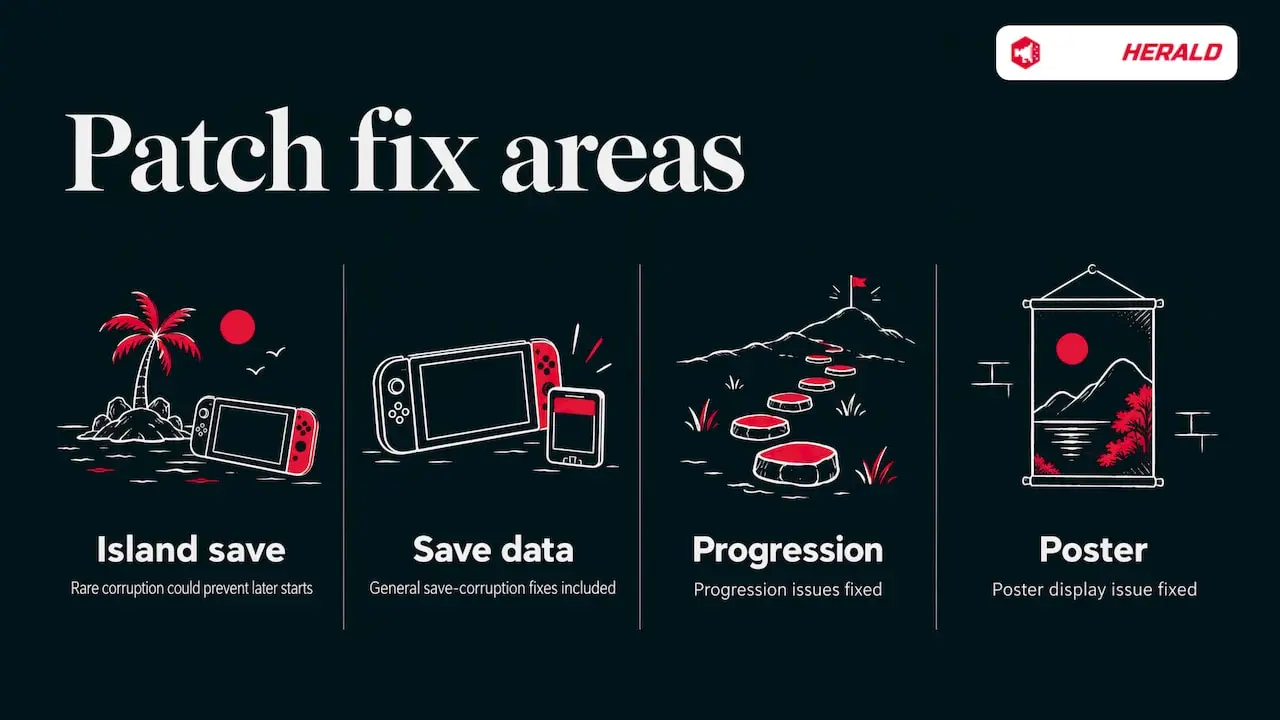
Save problems are the ones that hurt most, since a stuck Mii is an annoyance and a game that will not boot is a loss of time invested. If you built an island and have not updated, install 1.0.4 before your next long session.
Did any update add new features?
No. The official notes describe fixes and do not announce new gameplay features, locations or activities. That matches how Nintendo described the earliest patch, with the notes for 1.0.1 giving only a general statement about improved gameplay.
That matters if you have seen posts hoping for something like a larger resident count. Nothing in Nintendo’s listed notes for versions 1.0.1 through 1.0.4 announces that. If a feature update arrives, it will appear in the same history table with its own notes.
The single new rule, the name restriction for local play in 1.0.3, is a restriction rather than an added feature. It affects only names containing numbers or restricted text when you send Miis locally.
How to update Tomodachi Life: Living the Dream
Most players never need to do this by hand, but a manual check is useful when a new version number shows up in the news and you want it right away.
Automatic updates
Nintendo says the game updates automatically when your console is online and Software Auto-Updates is turned on. If your Switch spends most of its time in sleep mode connected to Wi-Fi, you may already have the latest version without noticing.
Manual update, step by step
Nintendo’s instructions, on its official update guide, work on both Switch and Switch 2:
- Connect your console to the internet.
- On the HOME menu, highlight Tomodachi Life: Living the Dream. Do not open it.
- Press the + or − button on the controller.
- Choose Software Update.
- Choose Via the Internet.
- Let the download finish, then launch the game.
Where it goes wrong: if you open the game first, you are already playing on the old version, and the option sits on the HOME menu, not inside the game. If the console is offline, the Via the Internet option cannot fetch anything, so check your connection before blaming the game.
How to confirm your version
You can see the installed version under the software title, and after the update finishes, on the game’s title screen. Compare that number with the latest on Nintendo’s support page. If it reads 1.0.4 or higher, you have every fix listed above.
Is there a maintenance schedule or an update roadmap?
This is a question players of online games ask by habit, so it is worth answering directly. Nintendo’s update history records four full-game updates through 1.0.4, and the support pages announce no recurring maintenance window and no future release schedule. They list updates already released.
In practice, that means:
- Tomodachi Life is not a live-service game with weekly downtime. You do not need to plan around server maintenance.
- Patches arrive when Nintendo publishes them, and the gaps so far have been a few weeks to about two months.
- The reliable way to learn about a new version is Nintendo’s support page, plus the game’s title screen after an update.
If you do follow games that run on scheduled downtime, our Final Fantasy XIV maintenance schedule is an example of how a live-service game’s windows are laid out, and it is a different situation from a single-player-focused release like this one.
Regional differences in versions and notes
Nintendo publishes the update guide on separate regional support sites. This article uses the Americas page for versions and dates, and the UK page for the manual update steps, which are the same procedure on both. When you compare notes with players elsewhere, read the support page for your own region, since release dates are listed per region and wording can differ slightly. Version numbers are what you match against: if your title screen shows the same number as another player’s, you are on the same build.
What the patches mean for your play
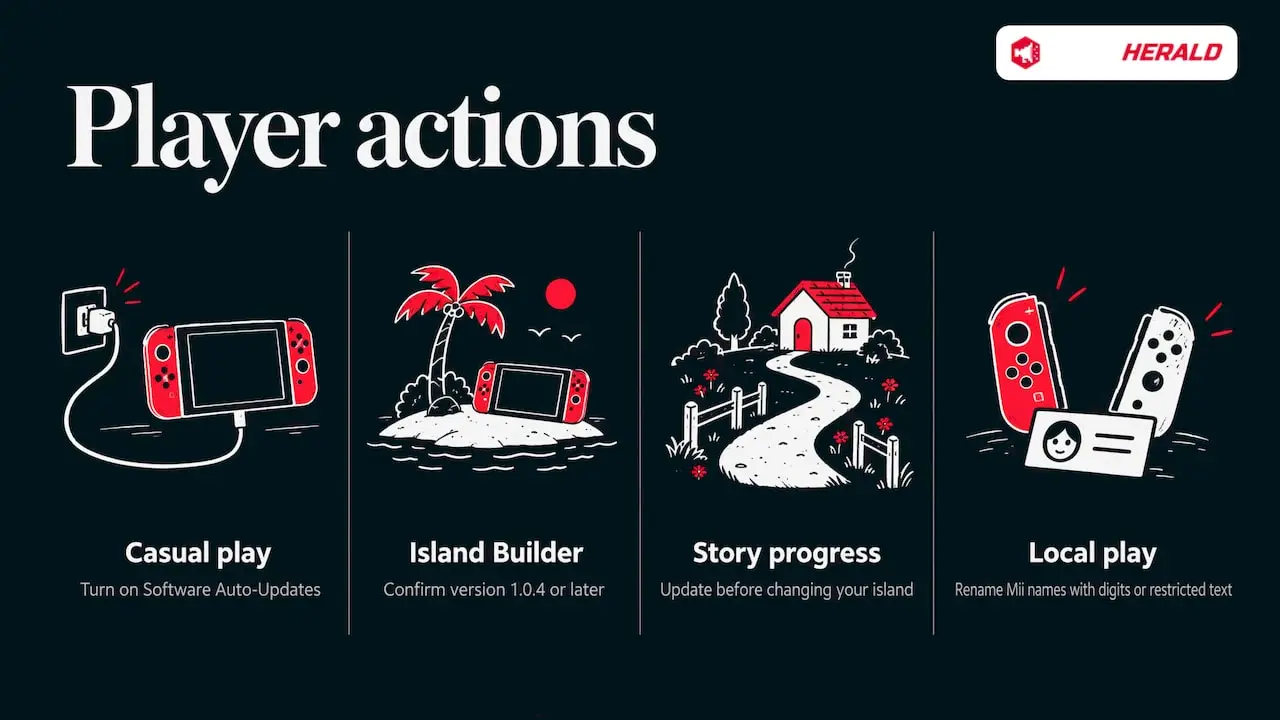
If you play casually: turn on Software Auto-Updates and forget about it. You get save protection and fixes without doing anything.
If you are deep into Island Builder: confirm that you are on 1.0.4 or later. Of everything fixed so far, the save corruption issue is the one with real consequences.
If you got stuck on a story or relationship beat: progression blockers were fixed in 1.0.2, 1.0.3 and 1.0.4. Update first, then see whether the event triggers before changing anything about your island.
If you play locally with friends: rename any Mii whose name contains numbers or restricted text, since 1.0.3 restricts those names in local play.
If you manage a family console: updates download over the internet, so it helps to know who controls the console’s settings. Our guide to setting up parental controls on every major console explains where those options sit.
Keeping up with game patches
Patch notes are only useful when you can find them fast and read them in plain language. That is the job we set for Pixel Herald: timely news on release dates, maintenance schedules, reviews and guides in one place, with game hubs and practical references for casual and hardcore players alike. When a game gets an update, we aim to tell you what changed and what it means for your next session. See the latest on the Pixel Herald home page, or catch up on the week’s biggest stories in our weekly review.

If you are also deciding where to play next, our guide to which gaming platform to buy walks through five questions to settle first, and for a look at another game’s patch coverage, see our Deadlock update breakdown.
FAQ
Does Tomodachi Life: Living the Dream get updates?
Yes. Nintendo’s update history lists four full-game updates: 1.0.1, 1.0.2, 1.0.3 and 1.0.4. All of them focus on fixes, and the latest listed on the Americas page was released July 22, 2026.
How do I check for a Tomodachi Life update on Nintendo Switch?
Connect to the internet, highlight the game on the HOME menu without opening it, and press + or −. Choose Software Update, then Via the Internet. Your installed version shows under the title and on the game’s title screen.
What did the latest Tomodachi Life patch fix?
Version 1.0.4 fixes save corruption, including a rare Island Builder problem that could stop the game starting in later sessions. It also covers progression issues and a poster display problem.
Will I lose my save if I do not update?
Nintendo’s notes describe save corruption fixes, but they do not say any particular player will lose data. The safest step is to install the newest version, which includes the Island Builder save fix from 1.0.4.
Do I need to install each update in order?
No. Updates are cumulative, so installing the latest version gives you the fixes from every earlier one. Check the title screen afterward to confirm the version number.
Sources
- How to Update Tomodachi Life: Living the Dream, Nintendo Support (Americas)
- How to Update Tomodachi Life: Living the Dream, Nintendo Support (UK)
Recommended
- Deadlock Update: Thanksgiving Event, Drills, Balance Changes
- Hokko Spaces Launches October 29 on Switch and PC
- Hollow Knight Silksong Sea of Sorrow Free Expansion Dec 11
Written with BabyLoveGrowth to get cited by Perplexity
Edited by Kerwin Stewart, Editor-in-Chief · How we report



Comments
Join the discussion What do you think? Tell us in the comments below.
Loading comments…