
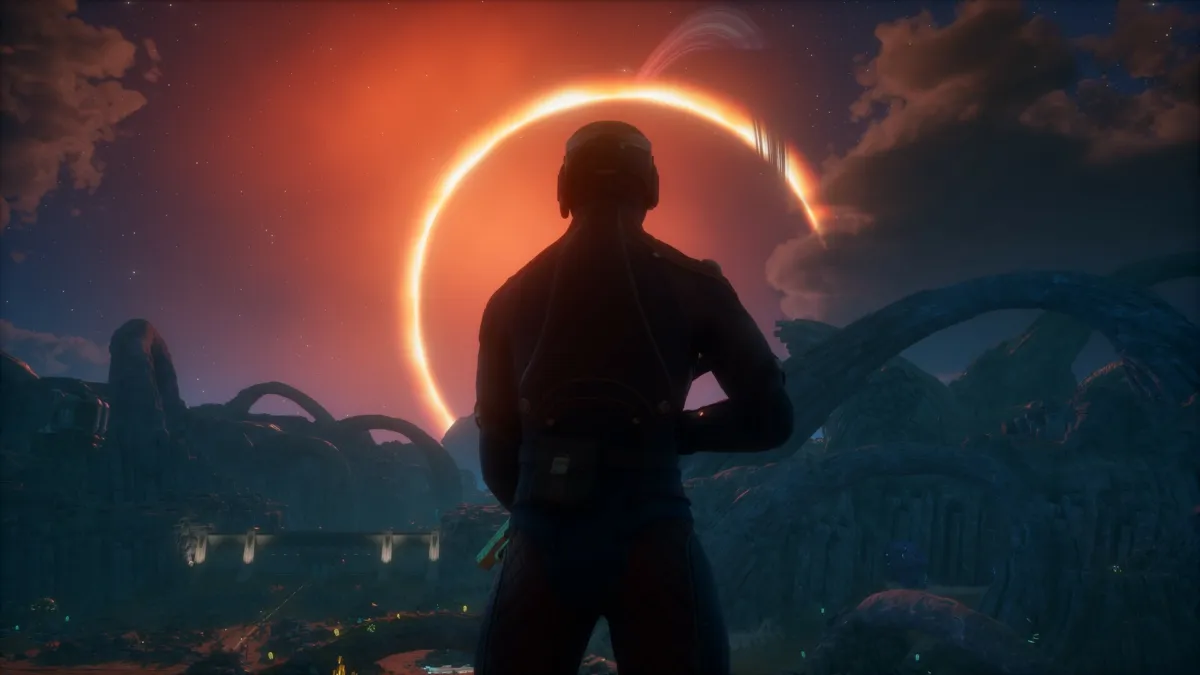
The Outer Worlds 2 launches December 2, 2026 on PC (Steam), PS5, and Xbox Series X|S. Obsidian’s sequel brings modern graphics features: ray tracing, DLSS/FSR/XeSS upscaling, HDR, and ultra-wide support. The system requirements reflect that.
Official PC system requirements (from Steam)
| Component | Minimum | Recommended |
|---|---|---|
| OS | Windows 10/11 with updates | Windows 10/11 with updates |
| Processor | AMD Ryzen 5 2600 / Intel Core i5-8400 | AMD Ryzen 5 5600X / Intel Core i7-10700K |
| Memory | 16 GB RAM | 16 GB RAM |
| Graphics | AMD Radeon RX 5700 / NVIDIA GeForce GTX 1070 / Intel Arc A580 | AMD Radeon RX 6800 XT / NVIDIA GeForce RTX 3080 |
| DirectX | Version 12 | Version 12 |
| Storage | 110 GB available space (SSD required) | 110 GB available space (SSD required) |
| Notes | Performance scales with higher-end systems | Performance scales with higher-end systems |
What this means for your build
- 16 GB RAM is the floor: both minimum and recommended ask for 16 GB. This is unusual; typically recommended specs ask for more memory. It suggests the game is optimized to run well at 16 GB across a wide range of hardware, with the GPU doing the heavy lifting for visual fidelity.
- SSD is mandatory: 110 GB on solid-state storage. No mechanical drive option is listed.
- Minimum GPU (RX 5700 / GTX 1070 / Arc A580) targets 1080p at playable frame rates with settings turned down. The GTX 1070 is a 2016 card; the RX 5700 is 2019. Most mid-range PCs from the last 5-6 years will clear this bar.
- Recommended GPU (RX 6800 XT / RTX 3080) targets higher resolutions and frame rates with ray tracing and upscaling enabled.
- Upscaling support: DLSS (NVIDIA), FSR (AMD), and XeSS (Intel) are all supported, so mid-range cards can punch above their weight at 1440p/4K.
- Ray tracing: supported for reflections, shadows, and lighting. Optional; will cost performance.
- HDR and ultra-wide (21:9): supported for compatible displays.
Estimated performance targets
| Resolution / Target | Minimum hardware | Recommended hardware |
|---|---|---|
| 1080p / 60 FPS | RX 5700 / GTX 1070, 16 GB RAM | RX 6800 XT / RTX 3080, 16 GB RAM |
| 1440p / 60 FPS | RX 6800 XT / RTX 3080, 16 GB RAM | RX 7900 XT / RTX 4080, 16 GB RAM |
| 1440p / 144 FPS | RX 7900 XT / RTX 4080, 16 GB RAM | RX 7900 XTX / RTX 4090, 16 GB RAM |
| 4K / 60 FPS | RX 7900 XT / RTX 4080, 16 GB RAM | RX 7900 XTX / RTX 4090, 16 GB RAM |
Estimates assume medium-high settings with DLSS/FSR/XeSS quality mode where available. Actual performance varies by scene, particle density, and ray-tracing settings.
Steam Deck
Valve has not published a Steam Deck compatibility rating for The Outer Worlds 2. The game is a single-player first-person RPG with ray tracing, DLSS/FSR/XeSS, and a 110 GB install. These factors often land in Playable or Unsupported territory depending on CPU/GPU demand.
- No ProtonDB reports yet: the game is not released.
- CPU demand: Ryzen 5 2600 minimum suggests moderate CPU load; Steam Deck’s Zen 2 APU (equivalent to Ryzen 3000 mobile) may manage at low settings.
- GPU demand: RX 5700 minimum is well above Deck’s RDNA 2 iGPU; 1080p/30 FPS at low settings with FSR may be achievable.
- Storage: 110 GB exceeds the 64 GB eMMC and 256 GB NVMe models’ comfortable space; a microSD card would work but with slower texture streaming.
We will update this page when Valve publishes a rating. Check our The Outer Worlds 2 game page for the latest.
File size and preload
110 GB on Steam. No preload date has been announced. The December 2 launch is approximately two weeks away; preload typically opens 2-5 days before launch for Xbox Game Studios titles.
Platforms and cross-play
Single-player only (Steam category: Single-player). No cross-platform multiplayer: cross-play and cross-progression do not apply. The game launches on PC (Steam), PS5, and Xbox Series X|S simultaneously on December 2.
Game Pass
Published by Xbox Game Studios. Microsoft’s policy: all Xbox first-party titles launch day one in Game Pass. No official product page has confirmed this for The Outer Worlds 2 specifically, but the pattern has held for every Xbox Game Studios release since 2018.
Key terms
Ray tracing is a rendering technique that simulates how light behaves in the real world, producing realistic reflections, shadows, and global illumination at a significant performance cost.
DLSS, FSR, and XeSS are upscaling technologies from NVIDIA, AMD, and Intel respectively. They render the game at a lower resolution and use AI or spatial algorithms to reconstruct a higher-resolution image, boosting frame rates with minimal visual quality loss.
Performance tier decision aid
| GPU tier | Your GPU examples | Expected result | Recommended settings |
|---|---|---|---|
| Below minimum | GTX 1060 / RX 580 or older | Below minimum | Consider upgrade |
| Minimum | GTX 1070 / RX 5700 / RTX 2060 | Minimum | 1080p Low-Medium, 60 FPS |
| Between min/rec | RTX 2070 Super / RX 6700 XT / RTX 3060 | Between min/rec | 1080p High / 1440p Medium, 60+ FPS |
| Recommended | RTX 3070 / RX 6800 / RTX 3080 | Recommended | 1440p High / 4K with upscaling, 60+ FPS |
| Above recommended | RTX 3080 Ti / RX 6900 XT / RTX 4080+ | Above recommended | 4K High, 60+ FPS, ray tracing on |
Bottom line
The 16 GB RAM floor and 110 GB SSD requirement are the hard constraints. Most mid-range PCs from the last 5-6 years will run the game at 1080p/60 FPS. For 1440p or 4K with ray tracing, you need a current-gen upper-midrange GPU or better. Steam Deck performance is unknown but likely 30 FPS at 720p with FSR.
The 16 GB RAM floor on both tiers is the standout spec: it matches modern RPGs like Starfield and Cyberpunk 2077 (post-2.0) and signals that texture streaming and asset density are the bottlenecks, not raw shader throughput. The 110 GB install is large but not extraordinary for a 2026 open-world RPG. Ray tracing and triple upscaling support (DLSS/FSR/XeSS) is the new baseline for Xbox Game Studios PC ports; the minimum GPU ask (GTX 1070 / RX 5700) keeps the door open for the massive installed base of 8-10 GB cards. Steam Deck viability will hinge on whether the CPU-side simulation (faction AI, world state) can run on Deck’s 4-core Zen 2 at 30 FPS; single-player RPGs without anti-cheat often surprise on the upside. Our data: the first Outer Worlds ran at 40-50 FPS on Steam Deck at 720p low settings via Proton; the sequel’s higher minimum GPU spec suggests Deck performance will be tighter, likely 30 FPS at 720p with FSR Quality mode.
Discussion question: Does your current GPU meet the minimum or recommended tier, and will you upgrade before December 2?
Edited by Kerwin Stewart, Editor-in-Chief · How we report



Comments
Join the discussion Does your current GPU meet the minimum or recommended tier, and will you upgrade before December 2?
Loading comments…