
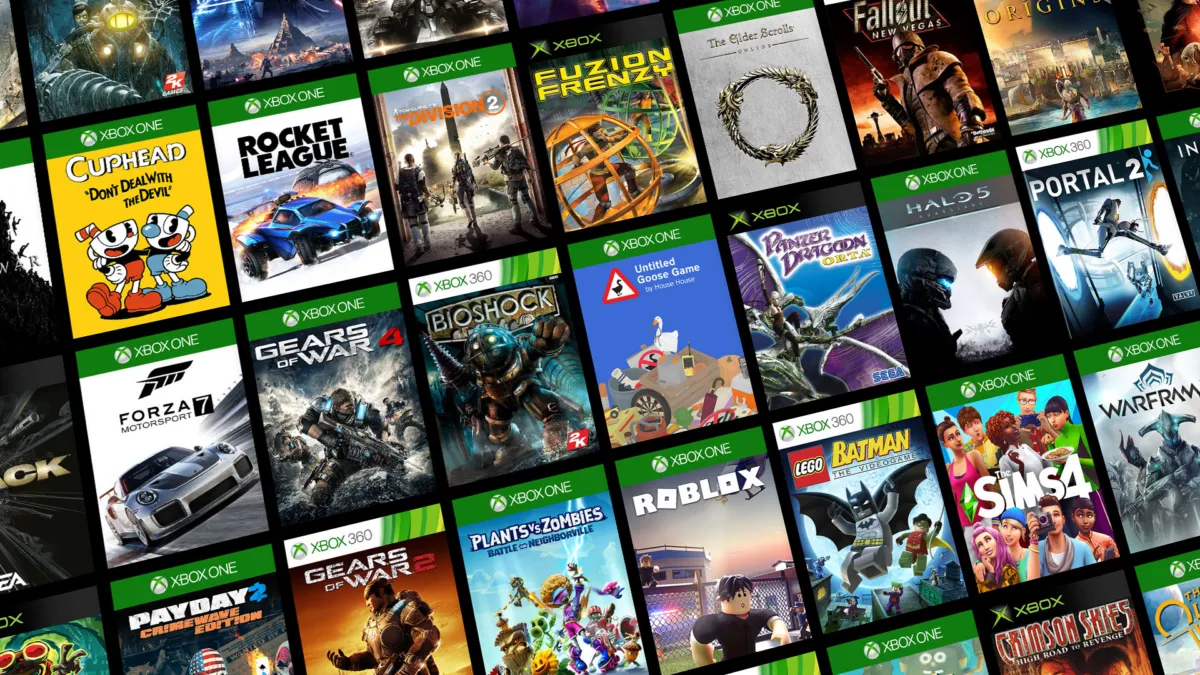
To share games on Xbox, designate one console as your home Xbox, then let the other player sign in with their own profile. You do not need to give anyone your Microsoft account password, and Microsoft’s current support pages say digital games and Game Pass titles can be shared through the home-console setting.
How do you share games on Xbox?
There are two separate methods, and mixing them up is the source of most Xbox sharing confusion.
A home Xbox is the console where your digital-game license is registered. Anyone who signs in to that console with their own profile can use the games you own, even when you are not signed in. Remote sign-in is the other method. Your Microsoft account uses its digital games on another console while you stay signed in and connected to the Xbox network.
The first method is the one most people mean when they search for “share games on Xbox.” It works at home and does not require another console. Microsoft’s official home Xbox guide says the console’s digital license stays with the designated home Xbox and can be played online or offline.
| What you want to do | What you need | Can both players use the game at once? |
|---|---|---|
| A friend plays on your home console while you are away | Their profile on your home console. The game must be installed. | Yes, if the other console has its own copy. |
| A friend plays your digital game on another console | Your Microsoft account signed in and connected to Xbox network. | Only if that console has its own copy. |
| Two people play on two consoles | A digital or physical copy for each console. | Yes. |
| One person plays a physical game | The disc in that console. | No, unless the second console has another copy. |
That table follows Microsoft’s guide to playing games on other Xbox consoles. One console can serve several profiles over time. Two separate systems need two copies.
How do you set up home Xbox sharing?
- Sign in on the console you want to use as your home Xbox with the Microsoft account that owns the digital games or carries the Game Pass subscription.
- Press the Xbox button on your controller, then select Profile & system > Settings > General > Personalization.
- Select My home Xbox, then choose Make this my home Xbox.
- Have the other player press the Xbox button and select their profile. If it is not on the console, go to Profile & system > Add or switch > Add new and sign in with their Microsoft account.
- Open My games & apps > Games, find the shared title and install it if needed.
Microsoft says a newly added account automatically becomes the home Xbox for that console unless you choose Lock it down during setup. You can only have one home Xbox at a time, so pick the console you use most often.
The home Xbox can be changed later from the same My home Xbox menu. Choose Remove this as my home Xbox to detach it, or choose Make this my home Xbox on the replacement console. Microsoft limits you to five home Xbox changes in any one-year period, and support cannot add extra changes.
When you switch, shared licenses stop appearing on the old home console. Players there must be signed in online to your account. Offline access moves to the new home Xbox, and launching a game there registers its license for offline use.
How do you share games with a friend on another Xbox?
For a digital game you own, sign your Microsoft account in on the friend’s console and connect it to the Xbox network. Then open My games & apps > Games, highlight the title, press the Menu button and choose Install in the menu. The game can then run from the console’s library.
This is different from home Xbox sharing. Microsoft says digital games on another console always require a signed-in account and an Xbox network connection. The home-console method is the one that supports offline play after the title is installed.
Game Pass works away from home under the same sign-in rule. Microsoft’s Game Pass sharing page says to sign in on another Xbox and share the subscription benefits while you remain signed in. At home, the home Xbox setting covers anyone who signs in with their profile.
For the current lineup, see our Xbox Game Pass games coming this month and our Game Pass tier guide before choosing a plan.
Can two people play the same Xbox game at the same time?
Yes, but the rule depends on the console and the copy.
One home Xbox can host one player using the shared digital license while another console runs a separate copy. If two people each have their own Xbox, each console needs its own digital or physical copy of the game. Installing the game on a friend’s console does not give that console a permanent copy they own, and Microsoft says the second player must still own the game or insert the disc.
Physical discs are the simplest case to understand. A disc can be played on any Xbox console, but it has to be in that console. It cannot be in two machines at once. The second console can use its own copy, such as a separate disc or digital purchase.
This differs from Steam Family Sharing, where one shared copy is normally locked to one active player. Xbox home-console sharing is about giving several people access to the same console, not lending one digital license to two consoles at once.
What can and cannot you share on Xbox?
Microsoft says the home Xbox setup shares:
- Digital games and downloadable content bought from the Microsoft Store.
- Games included in an Xbox Game Pass subscription.
- Downloaded games during a network or Xbox service outage.
Some content stays tied to the account that bought it. Microsoft’s examples include Minecraft Skin Mashups, Halo REQ Packs purchased with in-game currencies, Minecraft Coins and certain pre-order bonuses or special-edition content that can be redeemed only once.
Physical games do not become shareable licenses through the home Xbox setting. A disc stays with its console, and a second console in the same home needs its own digital or physical copy for simultaneous play.
Game Pass sharing also has a safety boundary. Microsoft says home-console sharing lets other people use the subscription benefits without giving them access to the credit card linked to that subscription.
How do you keep shared Xbox accounts safe?
Give every regular player their own Microsoft profile and create a PIN for your profile. Microsoft says the PIN can be required for signing in, making purchases and changing settings, which protects your profile on a shared console.
Microsoft also recommends signing out when you finish using a console, using a guest profile for visitors and setting a six-digit access PIN when nobody needs to reach your account. If you sign your own account into someone else’s console, sign out before leaving it there.
The home Xbox feature is designed to share digital benefits without sharing your sign-in or account information. That makes it the safer choice than handing over your Microsoft password.
We compared Microsoft’s four current support pages on home Xbox sharing, remote sign-in, Game Pass sharing and account safety. The useful distinction is between access to one console and ownership on two: home Xbox sharing gathers several players around one digital library, while two consoles playing at once still require two copies. That also explains why password-sharing tutorials are the wrong mental model, and why the security guidance and the setup steps belong on the same page.
For more platform explainers, see our Xbox Game Pass hub and our guide to how Steam refunds work.
Edited by Kerwin Stewart, Editor-in-Chief · How we report



Comments
Join the discussion Would you use Xbox home-console sharing with a friend, or stick to separate purchases?
Loading comments…